Part 0 - Setting Up
Part 1 - Fundamentals
- 4 - Our Project
- 5 - Fragment and ViewModel
- 6 - Functions
- 7 - Recycler Views
- 8 - Wiring up with Kotlin
- 9 - ViewHolders
- 10 - Retrofit
- 11 - Connecting Rx
Part 2 - User Interface
Useful Links
Step 3 - Android Technologies
OK, only a bit more theory before we dive into coding. Let’s try to understand a bit more what these life-cycle aware components are, and how we can connect across those boundaries between the different levels in the app.
Two key technologies we use for this in Android are:
- RxJava - a reactive paradigm great for services development
- LiveData - life-cycle aware data connectors
What are the differences and when do we use them?
RxJava
We’ve not looked at this one yet, and its also a bit weird - why do we have something with java in the name when we’re using Kotlin?
So some basics
- Rx just means “Reactive”
- That’s about using functional connectors to handle data
- Rather than “block and wait” imperative coding
- Java is OK, because we can call it seamlessly from Kotlin
- There are Kotlin extensions for it but we don’t need them

Here’s a mnemonic that may work for you: think of RxJava as the “piping” that will go down into the database layers and handle the cloud data for your app. In the CLEAN diagrams these appear in the lower half of the diagrams, even tho’ we may be used to thinking of cloud as “above”.
Pipes are also about “flows” (the Flowable) which might help your thinking. In Rx there is a massive library of calls to handle data in various ways but to keep it simple just think of the Single andCompletable use cases. This is like just turning on a tap to fill a glass,
instead of thinking of a constantly running tap. When your glass is full the Single is
finished - it delivers its glassful and that is it.
Live Data
Continuing with some more software metaphors, it may help to think of Live Data as like the live wires that connect your views and UI components (which can be killed off) to the other parts of the application.
Because of the ephemeral nature of the views, we have to be careful - just like with live wires - so having some thing that turns itself off & on at the right time is super useful.
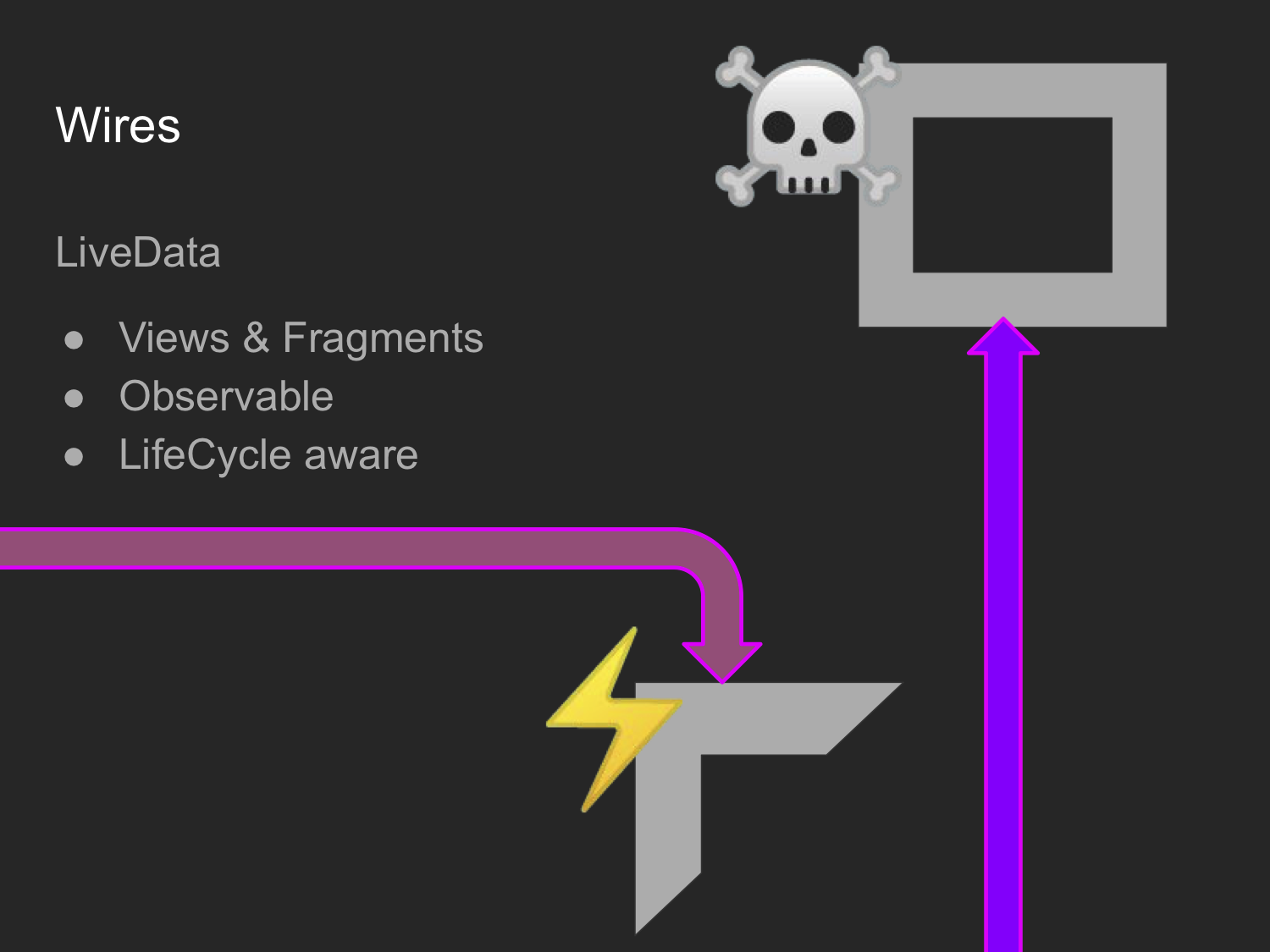
That is what live-data does: you have a connector object that takes a Fragment or Activity as a receiver and when that object goes into its various stages the live data sources automatically handle it to avoid crashes.